Integer to String conversion in Java
There are many ways to convert an Integer to String in Java e.g. by using Integer.toString(int) or by using String.valueOf(int), or by using new Integer(int).toString(), or by using String.format() method, or by using DecimalFormat, String concatenation, or by using StringBuilder and StringBuffer, etc but which one is the best? Some of them we have already seen on my earlier posts e.g. how to convert int to String and converting double to String. Well, we are going to find the best way to convert Integer to String in Java in this post.
Even though those posts give you tricks to convert primitive int to String and primitive double to String, you can still use those tricks to convert a wrapper class object e.g. Integer or Double to String in Java. Both are good ways, but out of those which is the best way to convert an Integer to a String in Java? You will find out in this article.
If you look at my earlier Java tutorials about converting int primitive to String in Java, you will find that I have advised for using String.valueOf()method for converting a number to String in Java, which is, in my opinion, the best way to convert an Integer to String in Java.
Here are a couple of reasons why valueOf() should be your preferred option when it comes to converting numbers to String in Java.
Btw, since converting from one class to another, especially from String to other data types or other classes is quite common in the Java programming world, we have already covered something like how to convert Enum to String in Java and String to Date conversion in Java. If you are interested in getting yourself comfortable with converting String to other useful objects, I would advise reading those tutorials.
Anyway, let’s come back to Integer to String conversion in Java. Here is one of the most common and easiest ways to convert an Integer to a String in Java, but is this the best way? let's find out by looking at it more closely:
If you look at my earlier Java tutorials about converting int primitive to String in Java, you will find that I have advised for using String.valueOf()method for converting a number to String in Java, which is, in my opinion, the best way to convert an Integer to String in Java.
Here are a couple of reasons why valueOf() should be your preferred option when it comes to converting numbers to String in Java.
Btw, since converting from one class to another, especially from String to other data types or other classes is quite common in the Java programming world, we have already covered something like how to convert Enum to String in Java and String to Date conversion in Java. If you are interested in getting yourself comfortable with converting String to other useful objects, I would advise reading those tutorials.
Anyway, let’s come back to Integer to String conversion in Java. Here is one of the most common and easiest ways to convert an Integer to a String in Java, but is this the best way? let's find out by looking at it more closely:
Set<String> cities = new HashSet<String>();
cities.add("London");
cities.add("Tokyo");
cities.add("NewYork");

String size = "" + cities.size()
In this example, we want to convert the size of Collection i.e int to String and we have used the simplest way by concatenating integer value with empty String. This approach, on the surface, looks clean and easy but it's not the best way to convert Integer to String in Java.
As discussed in String vs StringBuffer, String concatenation in Java is replaced by either StringBuffer or StringBuilder by compiler depending upon which version of Java you are using into something like below:
As discussed in String vs StringBuffer, String concatenation in Java is replaced by either StringBuffer or StringBuilder by compiler depending upon which version of Java you are using into something like below:
String size = new StringBuilder().append(cities.size).toString();
This code involves an extra object StringBuilder and if you are doing this concatenation on a loop or inside a high-frequency method, you are bound to create a lot of temporary objects and a lot of work for Garbage collector in Java.
5 Reasons Why String.valueOf() is the best way to Convert Integer to String in Java
On the other hand, if you use the String.valueOf() method, which is overloaded for int, long, float, and double primitive value and can be used to convert an Integer to String because of auto-boxing, you will get the following advantages:
1) The String.valueOf() method is overloaded for the different numeric data types, which means it provides a consistent way to convert a number to String in Java. You can use the same method to convert a Long, Float, or Double to String in Java as well.
2) The String.valueOf()method does not incur the cost of intermediate concatenation, which means no temporary object e.g. StringBuilder or StringBuffer is created. This means less memory and garbage collection overhead.
3. The valueOf() is made for conversion purposes and you will find this method in almost all value classes like String, Integer, Float, Double, Long, BigDecimal, etc. Using valueOf() keep your code consistent across the conversion of one data type to another.
In the case of Integer, the valueOf() method also able to cache frequently used numbers like from -127 to 128. In short using valueOf() promotes best practice in Java.
4. The valueOf()method delegates String conversion to respective classes toString() method in Java like valueOf(int i) delegates to Integer.toString(i, 10) which means String representation of numbers will be consistent
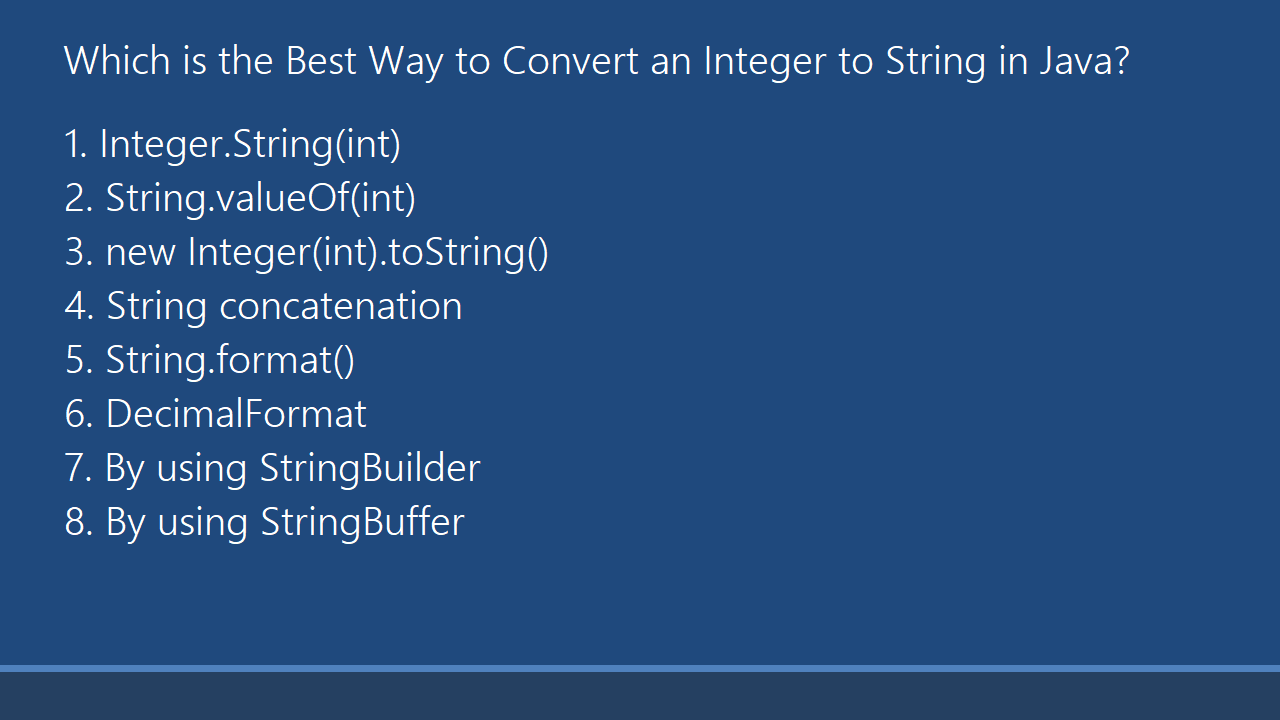
That's all about the best way to convert Integer to String in Java. As per my experience, String.valueOf() is best because it's provide caching, it's convenient with multiple overloaded version and there is no concatenation involved. These were the reasons why I prefer the valueOf() method of the String class to convert Integer to String in Java. Because of these reasons, I also think this is also the best way to convert numeric data types like Integer, Long, Float, or Double into String.
The only drawback is that they use Autoboxing, but if you go a little deep even autoboxing uses valueOf() to convert from primitive value to wrapper class like when you convert an int to Integer, it calls the Integer.valueOf() method.
Other Java articles based on String you may like
- Why String is final in Java
- How to compare two String in Java
- How to split String in Java with Regular expression
- 35 String Concept Interview Questions and Answers
- How to replace String in Java
- How to reverse a String in Place in Java?
- How to convert a JSON String to Java Object?
- How to check if String contains SubString
- How SubString method works in Java
So, next time you convert the number to String, consider using String.valueOf() if you are not using it already. If you want to learn more about data type conversion in Java, you can join these free Java training courses for beginners which also cover Java SE 8, the most popular version of Java.

nice
ReplyDeleteHi Sir,iam following your blog since once it is informarive and easliy understandable.thanks 4 sharing the knowledge
ReplyDeleteThank you. Your explanation was really clean.
ReplyDeleteThank you Chirag, glad you like this article and my explanation.
DeleteI would use Integer.toString(), anyway the String.valueOf calls it
ReplyDelete